
kb: technical
Plesk Onyx
Applicable to:
- Plesk Onyx
Symptoms
-
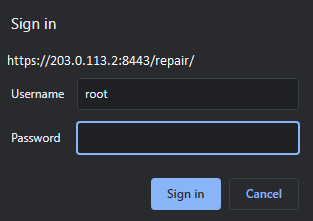
It is not possible to log into the Plesk Repair Toolkit under the root credentials, only the tab below is shown:
Cause
This is expected behavior, only admin user can log into the Plesk Repair Kit.
Resolution
- Access
https://203.0.113.2:8443/repair/to log into the Plesk Repair Kit.
Note: replace
203.0.113.2with your server IP address or server hostname. - In the
Usernamefield specify admin and in thePasswordfield specify the password from the admin user, then press the Sign In button.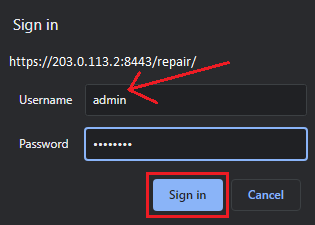
Comments
Hola,
Con los datos de login en Plesk, usuario ‘root’ no puedo acceder a Repair Kit ni como ‘admin’ ni como ‘root’ y la contraseña de root que es la ùnica que tengo.
La URL es la correcta ‘http://208.76.221.20:8443/repair’
Gracias!!!
Please sign in to leave a comment.