
Plesk for Windows
Plesk for Linux
kb: technical
ABT: Group A
Applicable to:
- Plesk for Linux
- Plesk for Windows
Symptoms
The website preview button is missing on all domains in Plesk at Subscriptions > example.com.
Cause
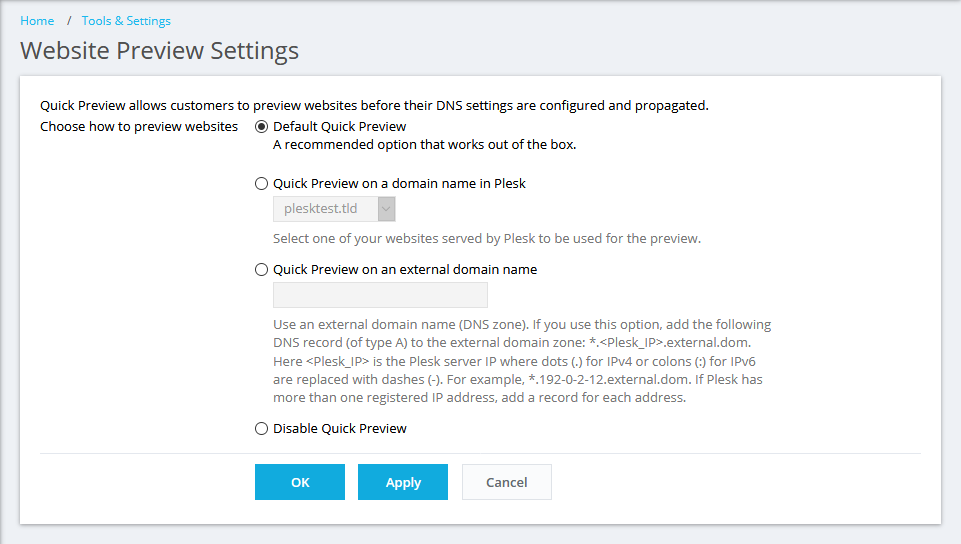
The Preview feature is disabled at Tools & Settings > Website Preview.
Resolution
Note: If you do not have an administrative access to Plesk, contact your service provide.
To enable the Preview feature in Plesk, go to Tools & Settings > Website Preview and select Default Quick Preview.
Comments
Please sign in to leave a comment.