
kb: how-to
ABT: Group A
Question
Is that possible to use custom S3 compatible storage for backups?
Answer
Starting from version 1.1.0 Amazon S3 Cloud extension there was support for custom S3 type storages included: Plesk explicitly supports DigitalOcean, Minio, and OpenStack.
To configure an S3-compatible storage:
- Go to Tools & Settings > Backup Manager > Remote Storage Settings > Amazon S3 Backup.
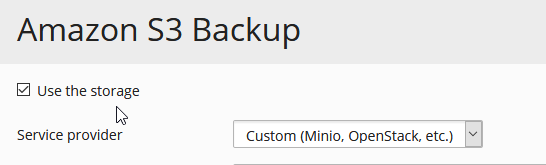
- Under “Service provider”, select “Custom (Minio, OpenStack, etc)”:
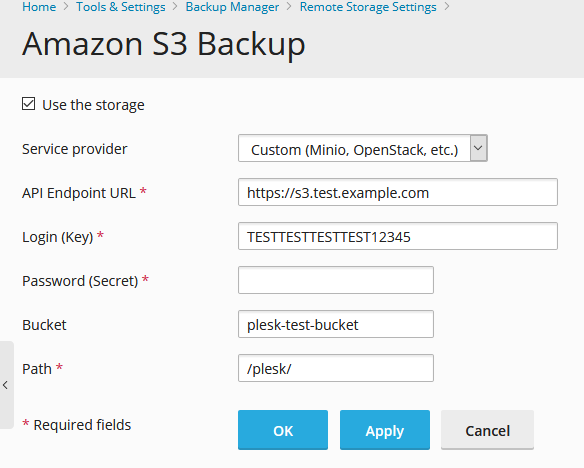
- Fill in all the fields. Pay particular attention to the “Bucket” and “Path” fields. A bucket is a place that you create to store data in an S3-compatible storage. You need to note the bucket name and paste it in the “Bucket” field. In the “Path” field, you need to paste a path to the directory inside the bucket where you want to store backups.
- Click OK.
Additional information
Comments
Please sign in to leave a comment.